

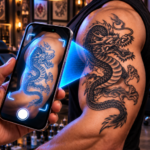
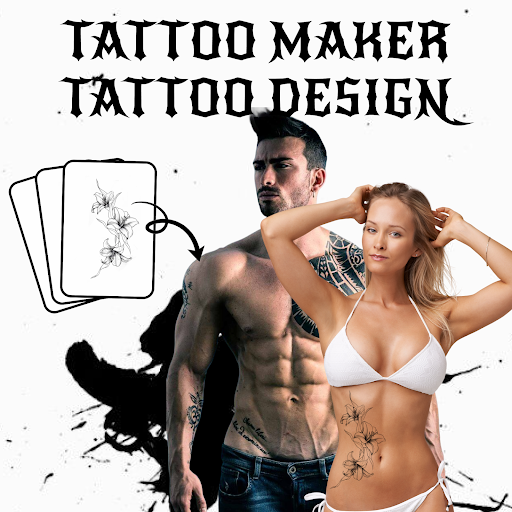
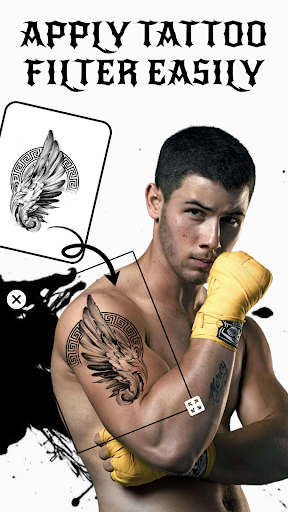
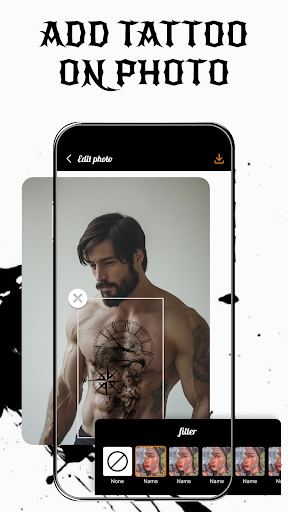
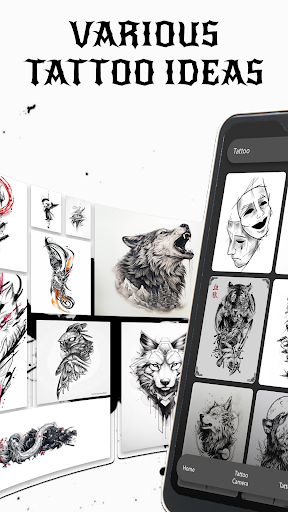
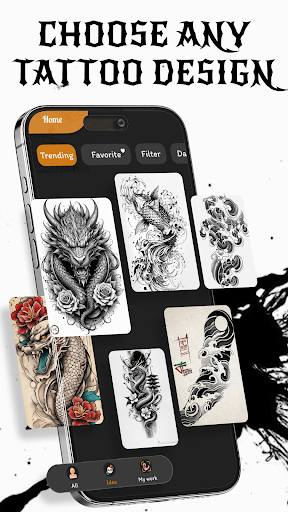
Tattoo Design – Tattoo Maker is an app designed to help users visualize how a tattoo might look on their body before committing to a real one. It allows you to add virtual tattoos to existing photos from your library or apply them in real-time using your device’s camera. The app focuses on providing tools to customize these designs, enabling users to experiment with different styles and placements to find a look that suits them.
Applying Tattoos to Photos
The app provides a Tattoo on Photo feature where you can select an image from your device’s photo library or take a new one. Once a photo is chosen, you can add a tattoo design from the app’s collection. The app offers controls to adjust the tattoo’s size, position, and color. For a more integrated appearance, options are available to modify the opacity, blending, and wrapping of the tattoo, aiming to create a realistic effect on the chosen body part. Users can also incorporate custom text with various fonts and colors into their designs.
Real-time Tattoo Camera
With the Tattoo Camera function, you can preview tattoo designs directly on your body using the live camera feed. This allows for real-time adjustments to the tattoo’s position and angle as you move. The app also includes filters and effects that can be applied to the real-time view. Finished designs created using the camera can be saved in high quality, supporting formats such as JPG, PNG, and TIFF, and then shared.
Design Inspiration and Management
The app includes an Idea & My Work section. This area offers a collection of tattoo ideas spanning various styles, from modern to classic, which is stated to be regularly updated. Users can save their personalized designs and drafts within the My Work section, allowing for later editing. This feature also supports comparing multiple saved drafts to help decide on a preferred style. Additionally, a Tattoo Font Designer is available to further aid in creating unique text-based designs.







Write a review